Bring your Instapaper library to Readsira
Folders become collections, liked articles become favorites, and highlights from the CSV export come with them.
Import from Instapaper Free. Undo within 7 days.
What comes across from Instapaper
- Links Every saved URL, with title and date saved
- Tags Instapaper does not export this
- Folders Become collections, nested where the source nests
- Highlights When included in your export
- Notes Instapaper does not export this
- Read status Unread to Inbox, archived to Library
- Favorites Become starred items
Three steps
-
Export from Instapaper
In Instapaper, open Settings, Export, and download the CSV file. HTML works too but has no highlights.
instapaper-export.csv -
Upload it to Readsira
Create a free account and drop the file on the import page. We check it first and show what we found before anything is added.
readsira.com/import -
Start reading
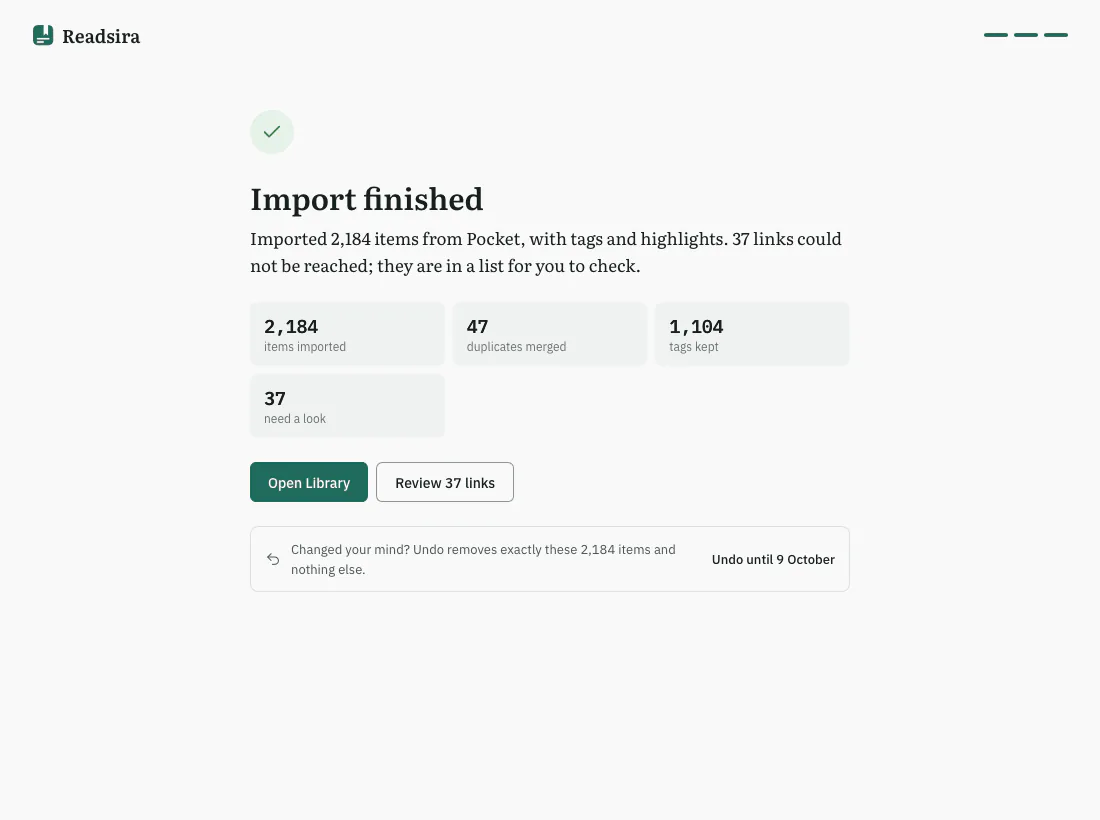
Items appear as they arrive. Large libraries take a few minutes; we email you a summary with counts and anything that failed.
After the import
Unread items land in your Inbox, archived ones in the Library. Duplicates are merged, and anything that could not be imported is listed with the reason so you can check it yourself.
- Duplicates merged, never doubled
- Failed links listed with the reason
- Undo removes exactly that import, for 7 days
Your Instapaper library, readable again in minutes
See also: Bookmark manager